
Lenovo · Cooling Fans
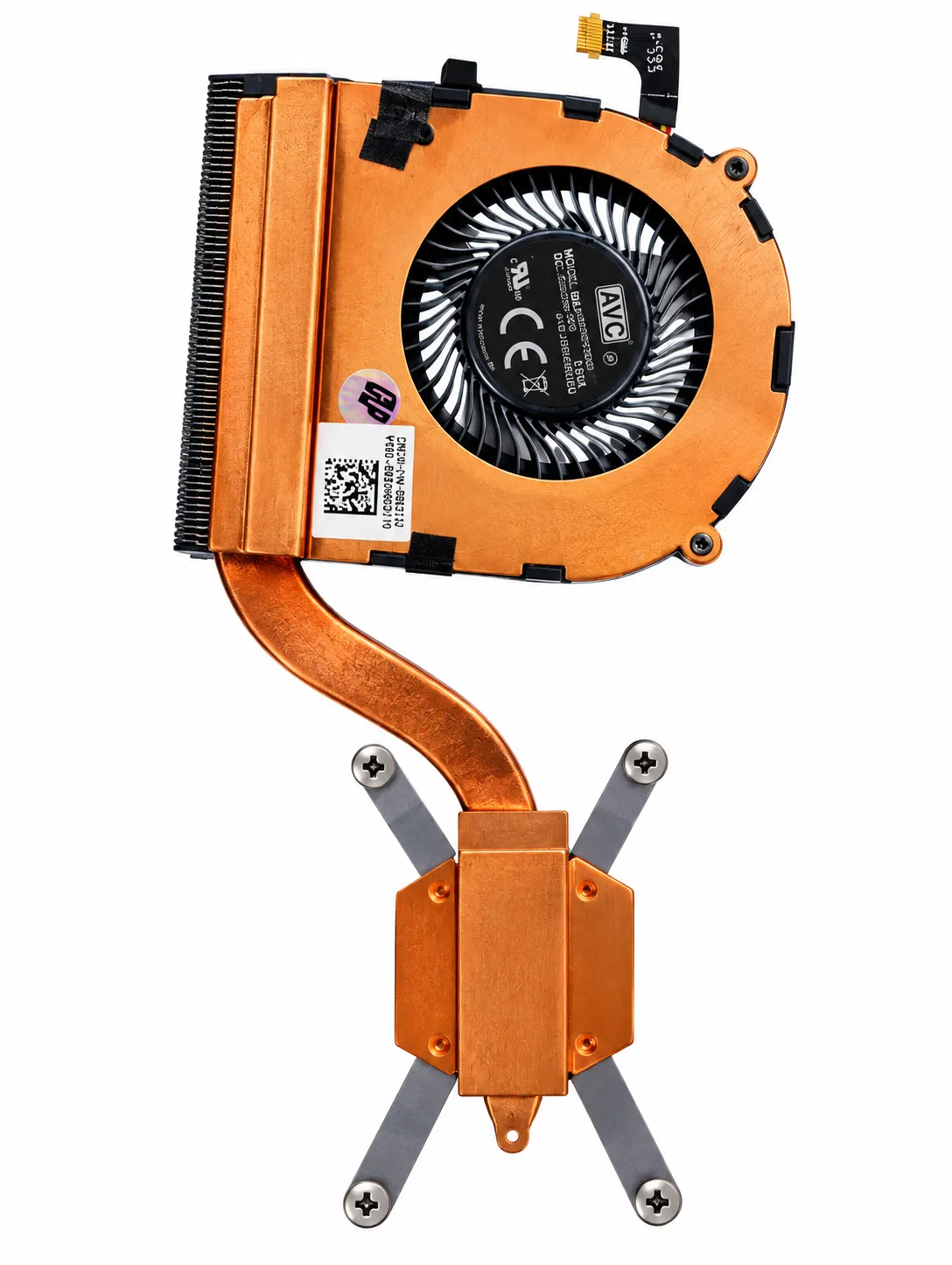
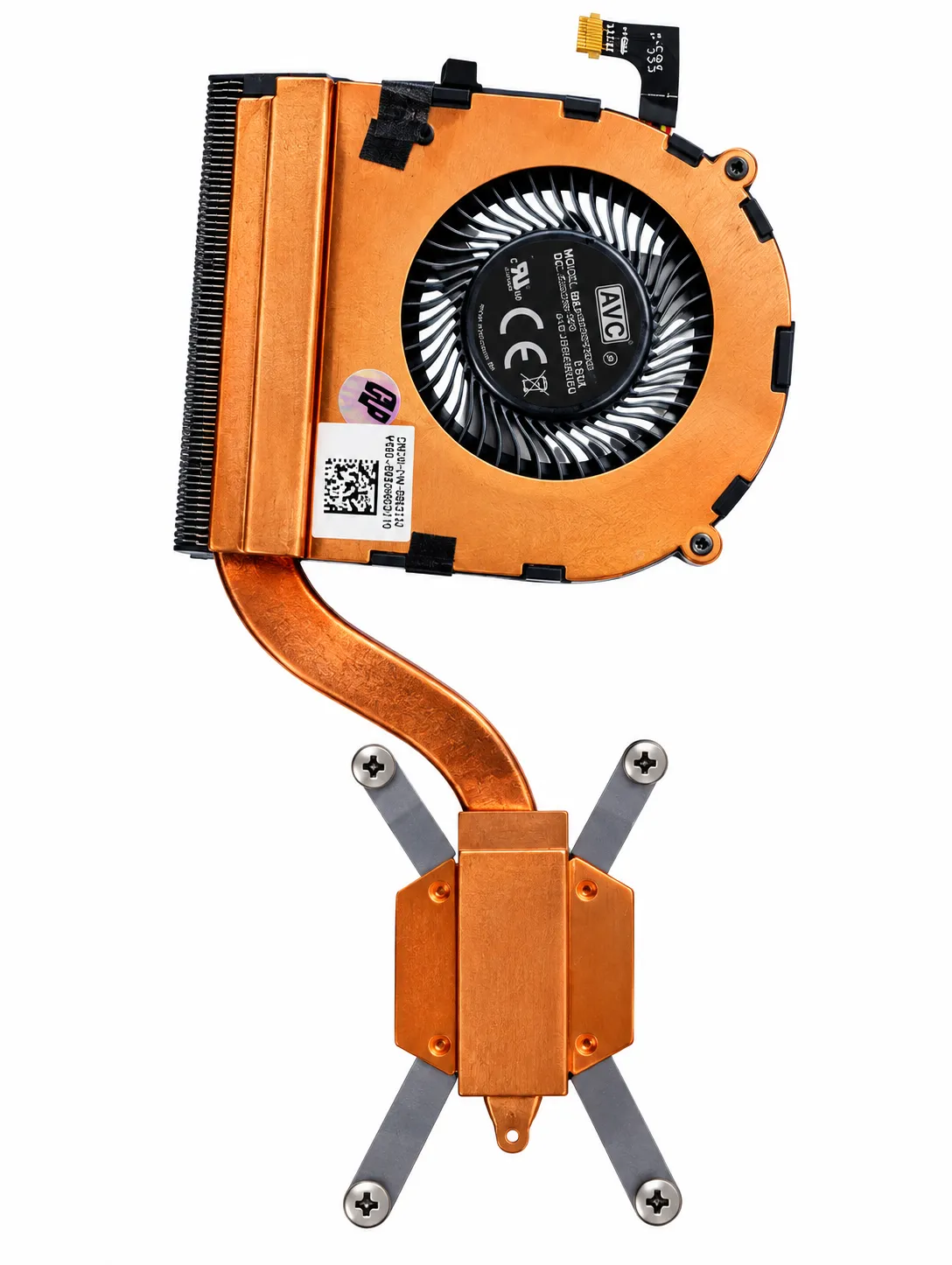
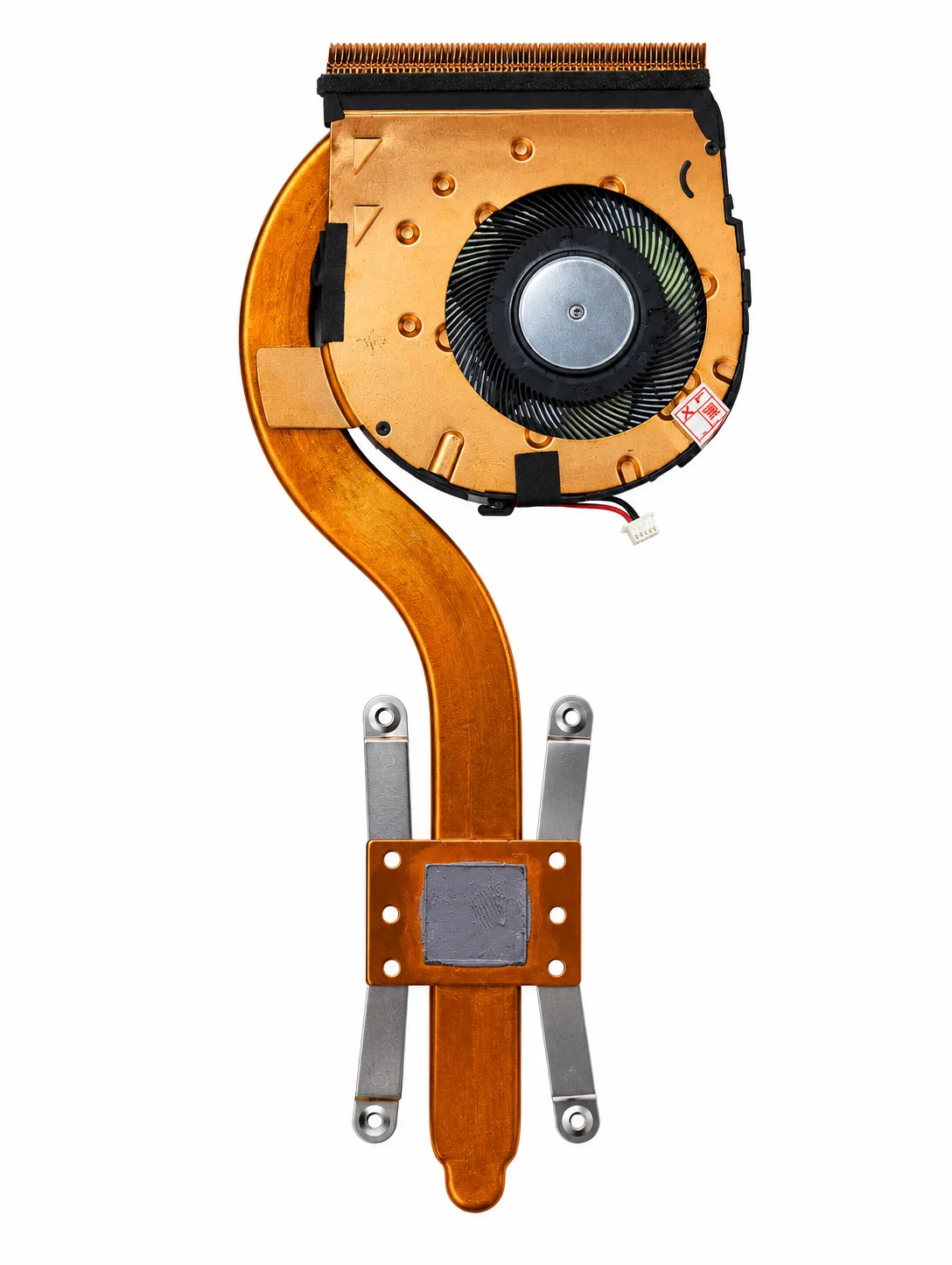
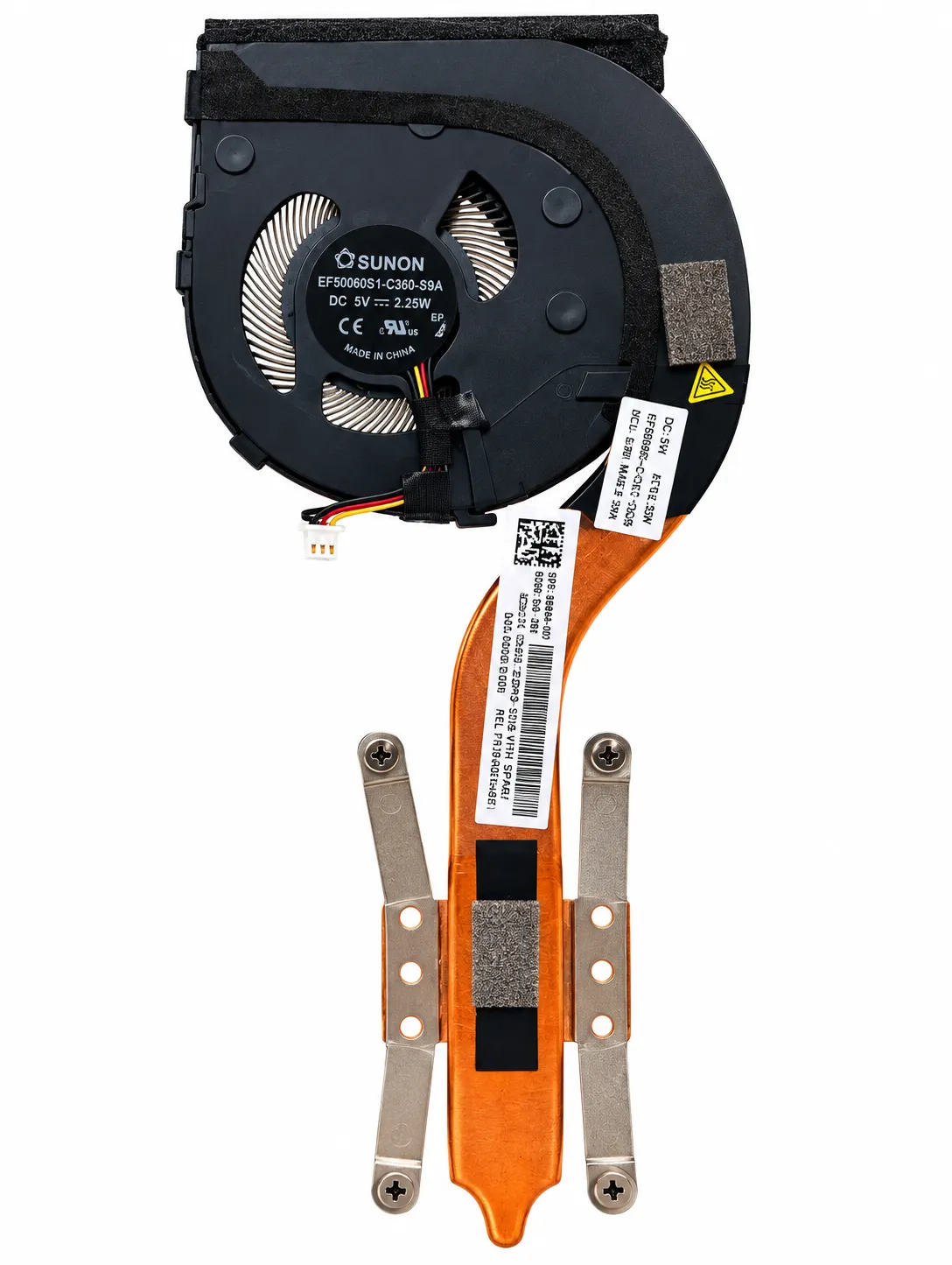
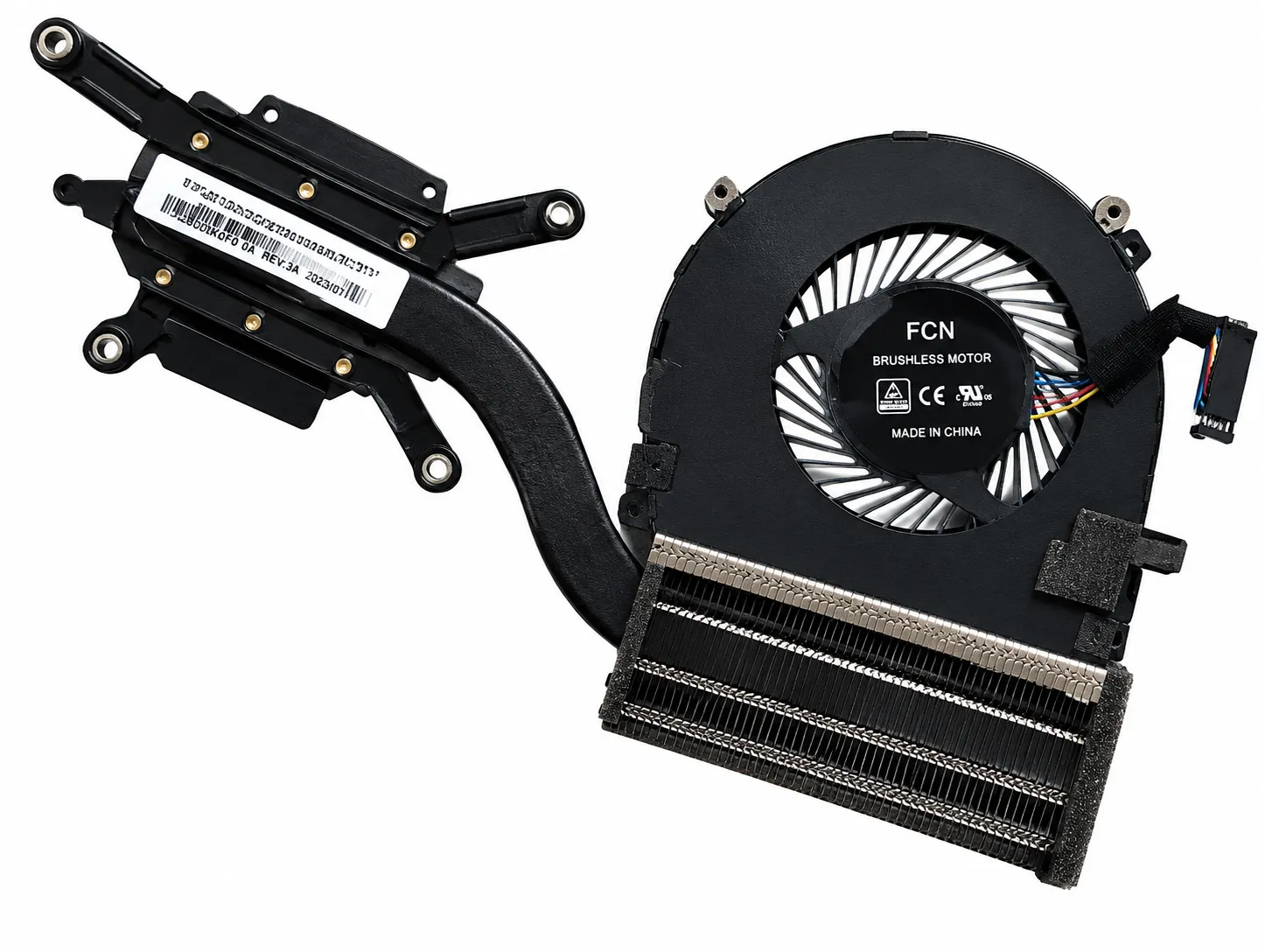
Replacement CPU Cooling Fan for Lenovo ThinkPad X1 Carbon (01YR159, 01YR204, 00UR98)
KES5,400
Replacement CPU cooling fan for the Lenovo ThinkPad X1 Carbon, part numbers 01YR159, 01YR204 and 00UR98. Fit it when the laptop runs loud, rattles or grinds, overheats, or shuts down under load. It is listed for the X1 Carbon 5th, 6th, 7th and 8th generation, but fans differ between generations, so please send us your exact laptop model (or a photo of the part number on your old fan) on WhatsApp and we will confirm fit before you order. Fitting is available in Nairobi.
Specifications
Compatible With
- Lenovo ThinkPad X1 Carbon 5th Gen
- Lenovo ThinkPad X1 Carbon 6th Gen
- Lenovo ThinkPad X1 Carbon 7th Gen
- Lenovo ThinkPad X1 Carbon 8th Gen
- Part numbers 01YR159, 01YR204, 00UR98 (send us your laptop model to confirm)
Not sure if this fits your laptop? Confirm your exact model via WhatsApp before you order.
Confirm Fit on WhatsAppCustomers Who Bought This Also Needed
-
In Stock

Lenovo ThinkPad X1 Carbon 2nd / 3rd Gen CPU Thermal Module Fan
- Lenovo ThinkPad X1 Carbon 2nd Gen (2014)
- Lenovo ThinkPad X1 Carbon 3rd Gen (2015)
KES 4,500
Order on WhatsApp -
In Stock
Lenovo ThinkPad X240 / X250 / X260 / X270 CPU Heatsink Fan
- Lenovo ThinkPad X240
- Lenovo ThinkPad X240s
KES 3,500
Order on WhatsApp -
In Stock
Lenovo ThinkPad Yoga 260 / 370 / X380 Yoga / S1 CPU Cooling Fan
- Lenovo ThinkPad Yoga 260
- Lenovo ThinkPad Yoga 370
KES 4,500
Order on WhatsApp
Cooling Fan Questions
How do I know it's the fan and not something else?
A loud grinding or rattling noise, or the laptop overheating and shutting down under load, usually points to the fan. If the laptop is silent but still overheating, it may just need cleaning and fresh thermal paste. Ask us on WhatsApp before ordering.
Will this fan fit my ThinkPad X1 Carbon?
This fan is listed for the X1 Carbon 5th, 6th, 7th and 8th generation under part numbers 01YR159, 01YR204 and 00UR98. Fans can differ between generations, so send us your laptop model, or a photo of the part number on your old fan, on WhatsApp and we'll confirm before you order.
Where do I find the part number on my old fan?
The part number is printed on the label on the fan or heatsink once the base cover is off. If you cannot reach it, send us your laptop model and the sticker under the laptop and we'll match it for you.
Can I fit this myself?
It requires opening the base cover and, on some models, removing the heatsink. Most customers have it fitted by us. We can talk you through it on WhatsApp if you'd rather do it yourself.