Universal · Accessories
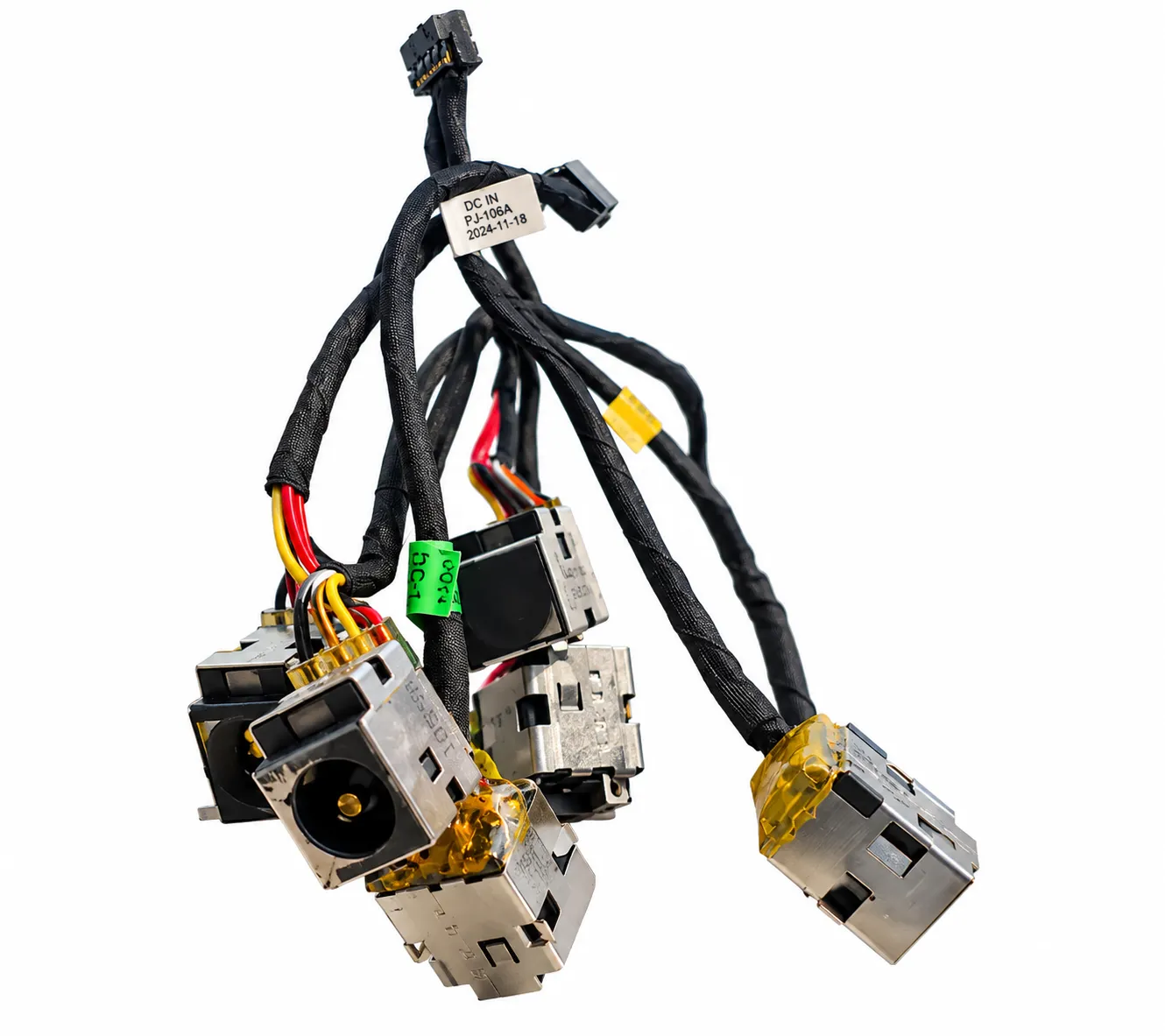
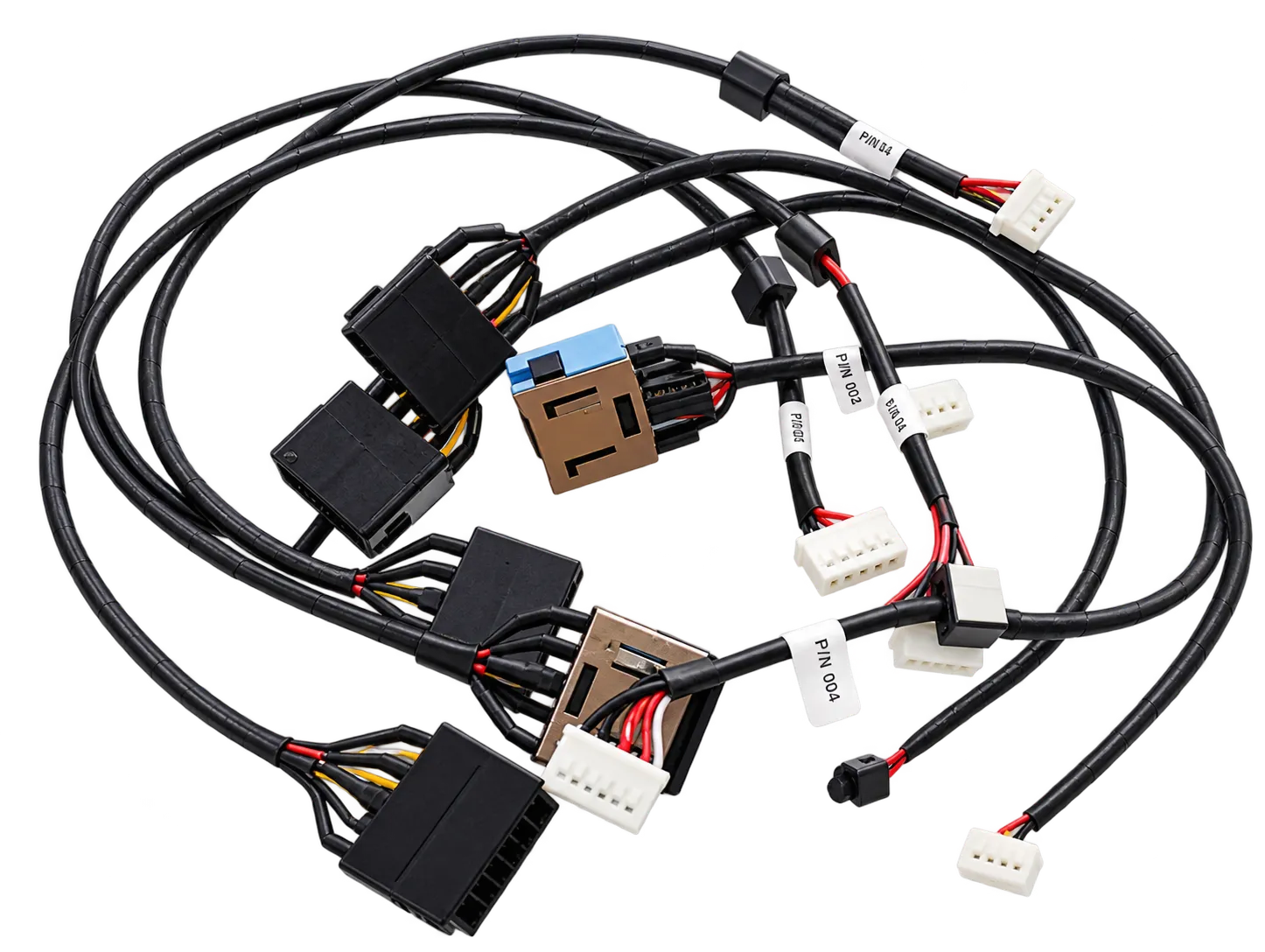
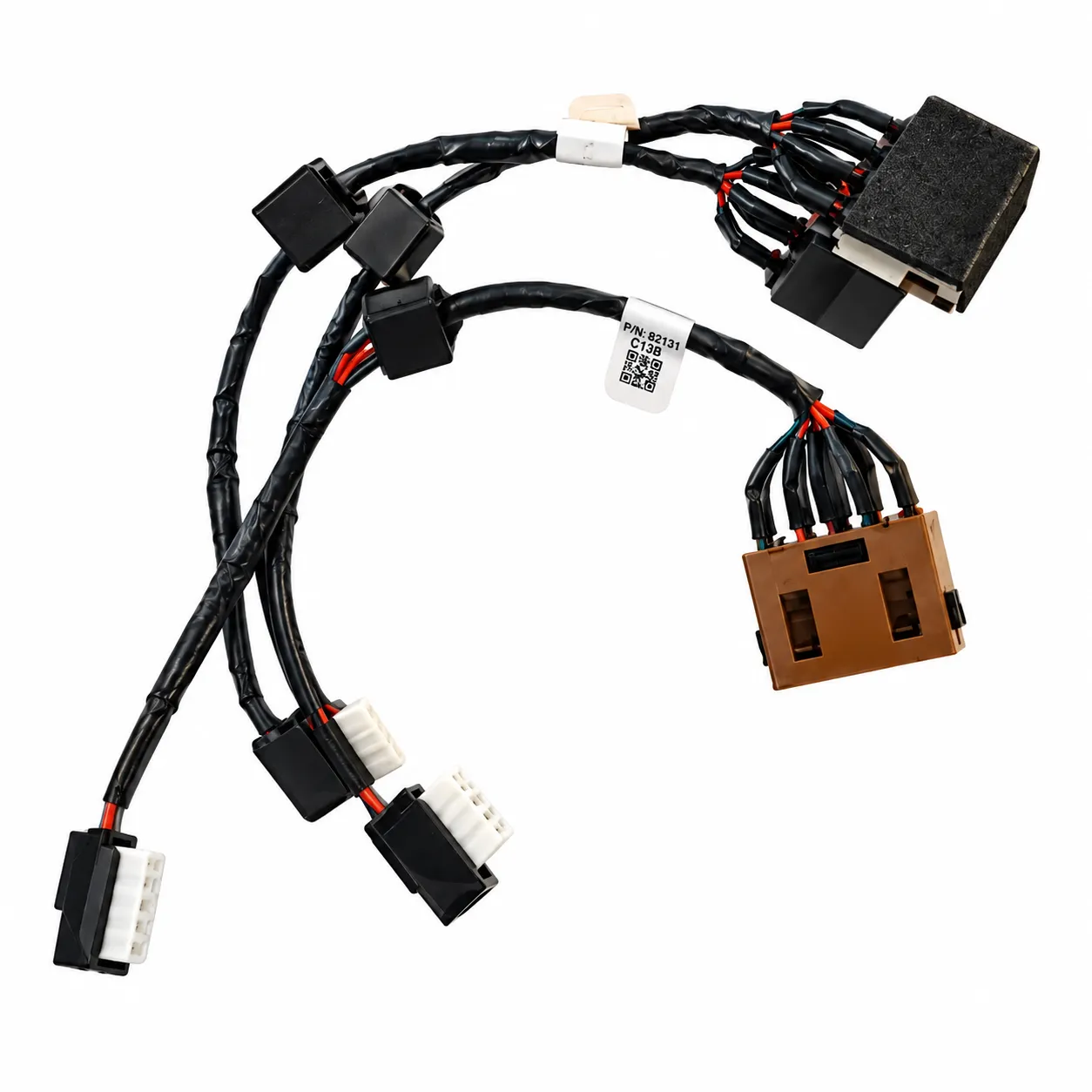
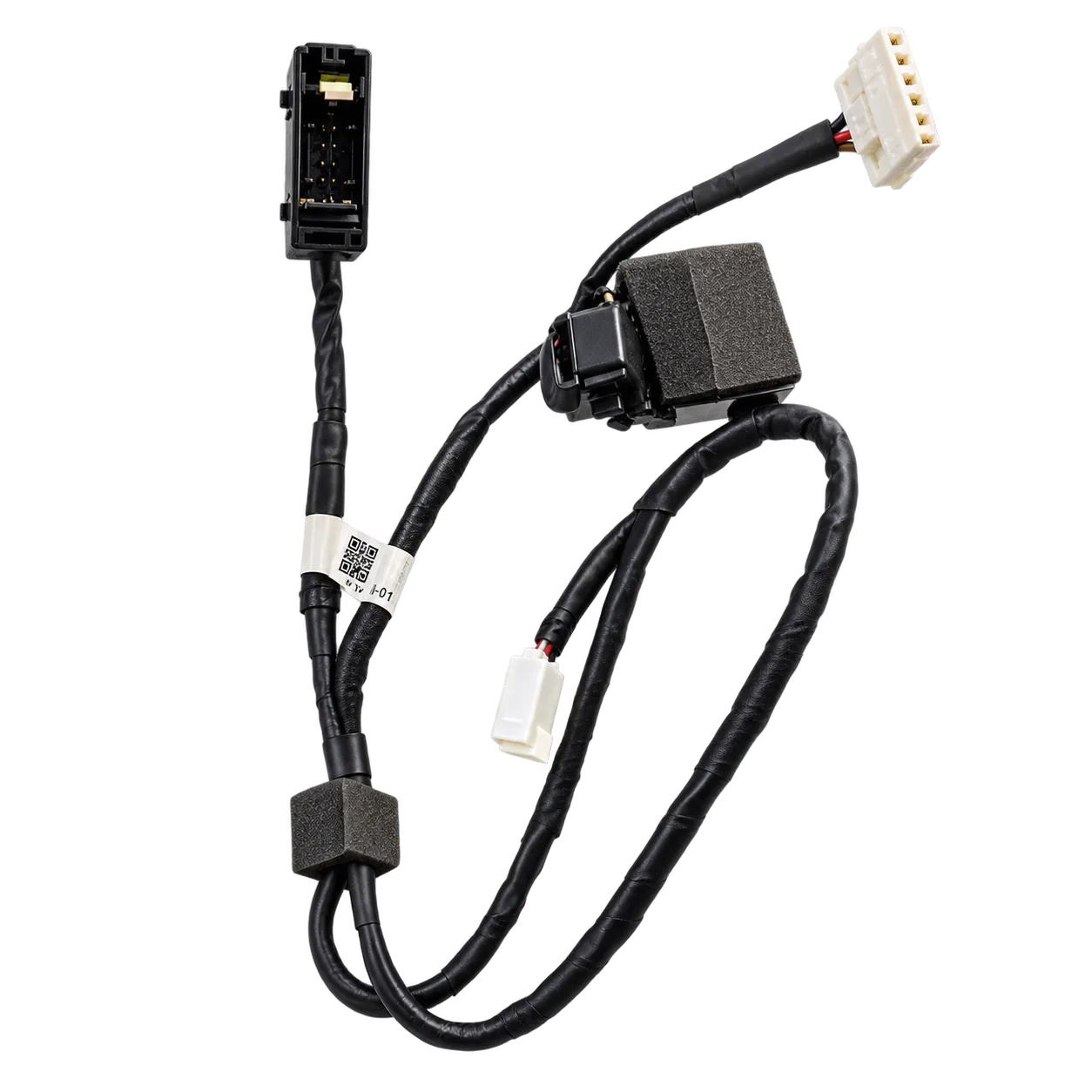
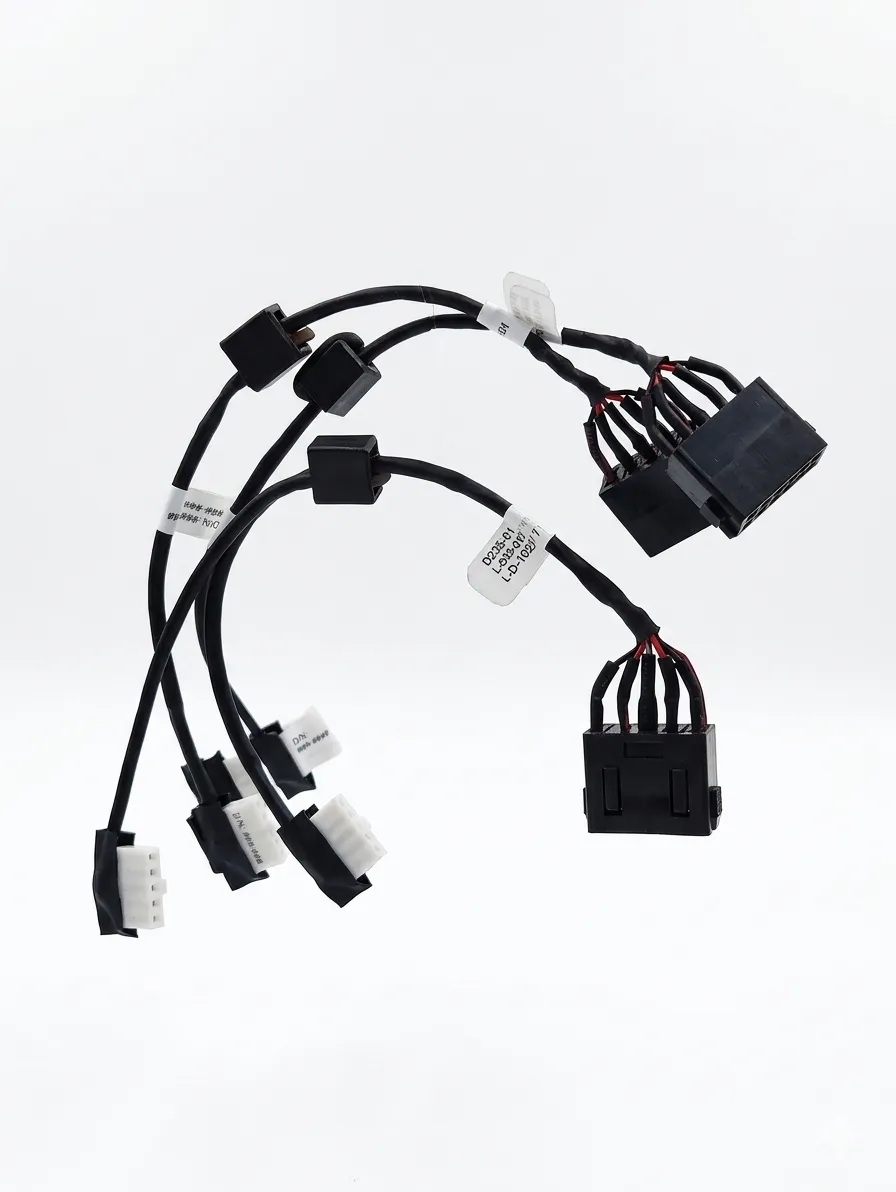
Laptop Charging Port (Big Pin, Small Pin, USB, Type-C)
KES1,500
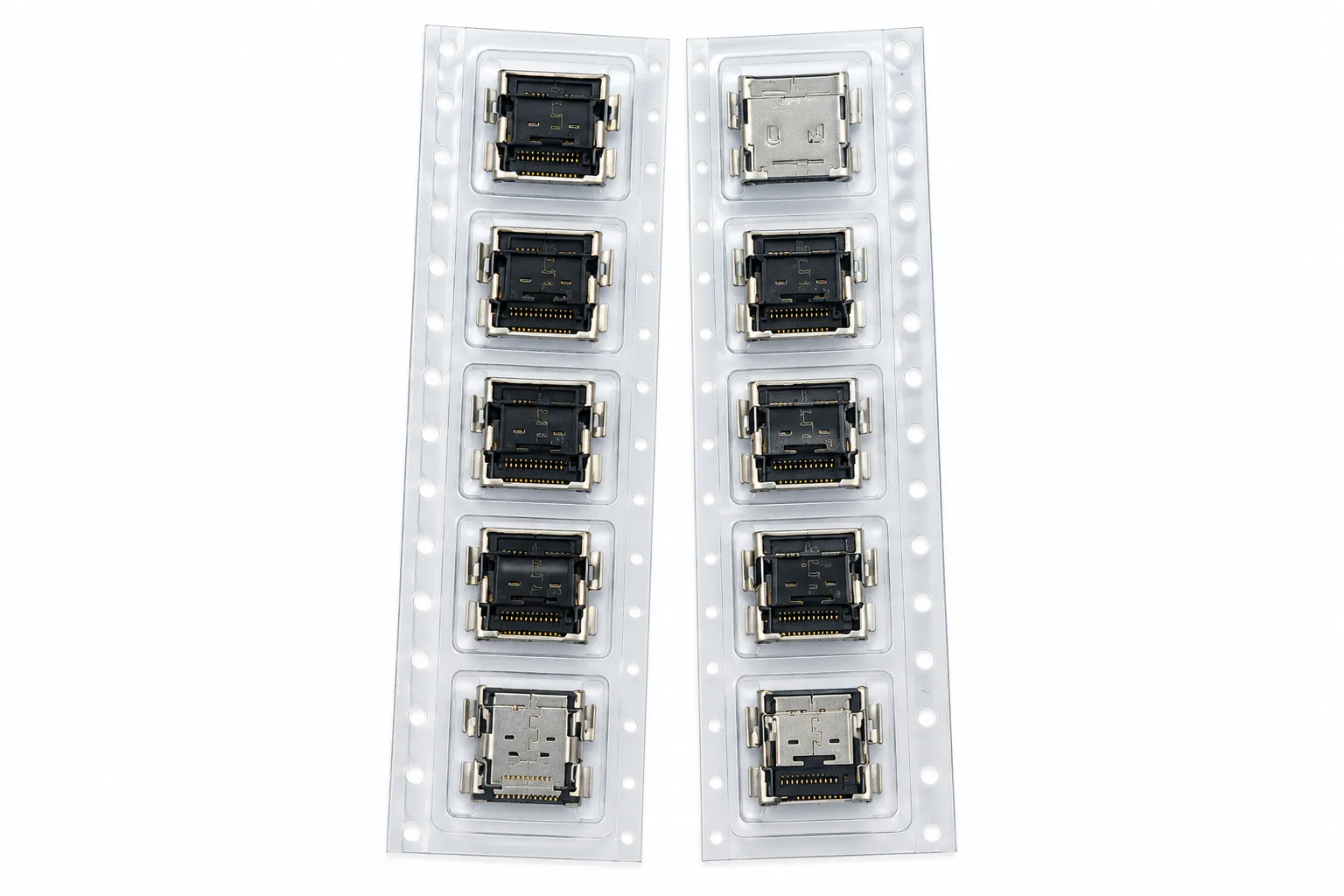
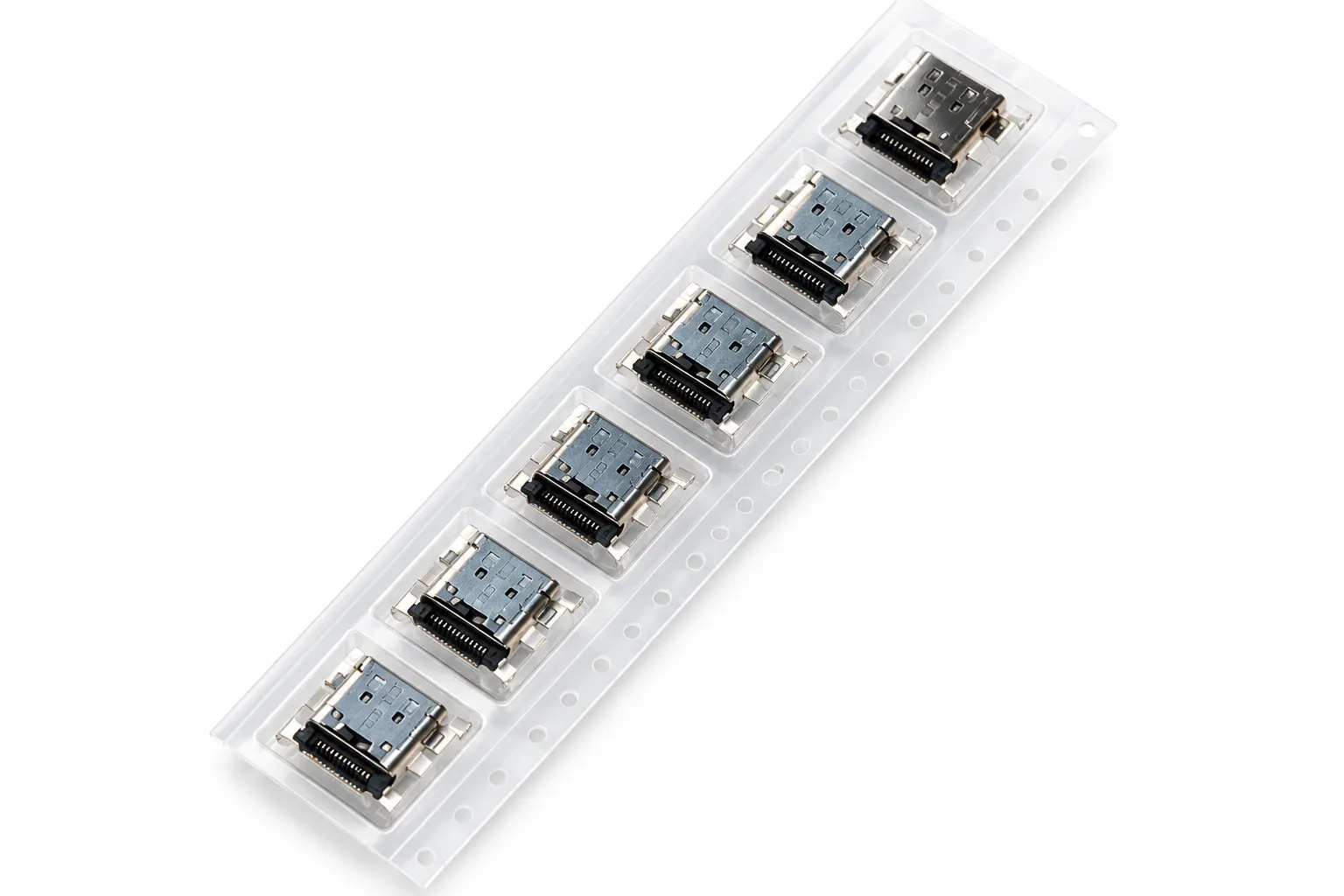
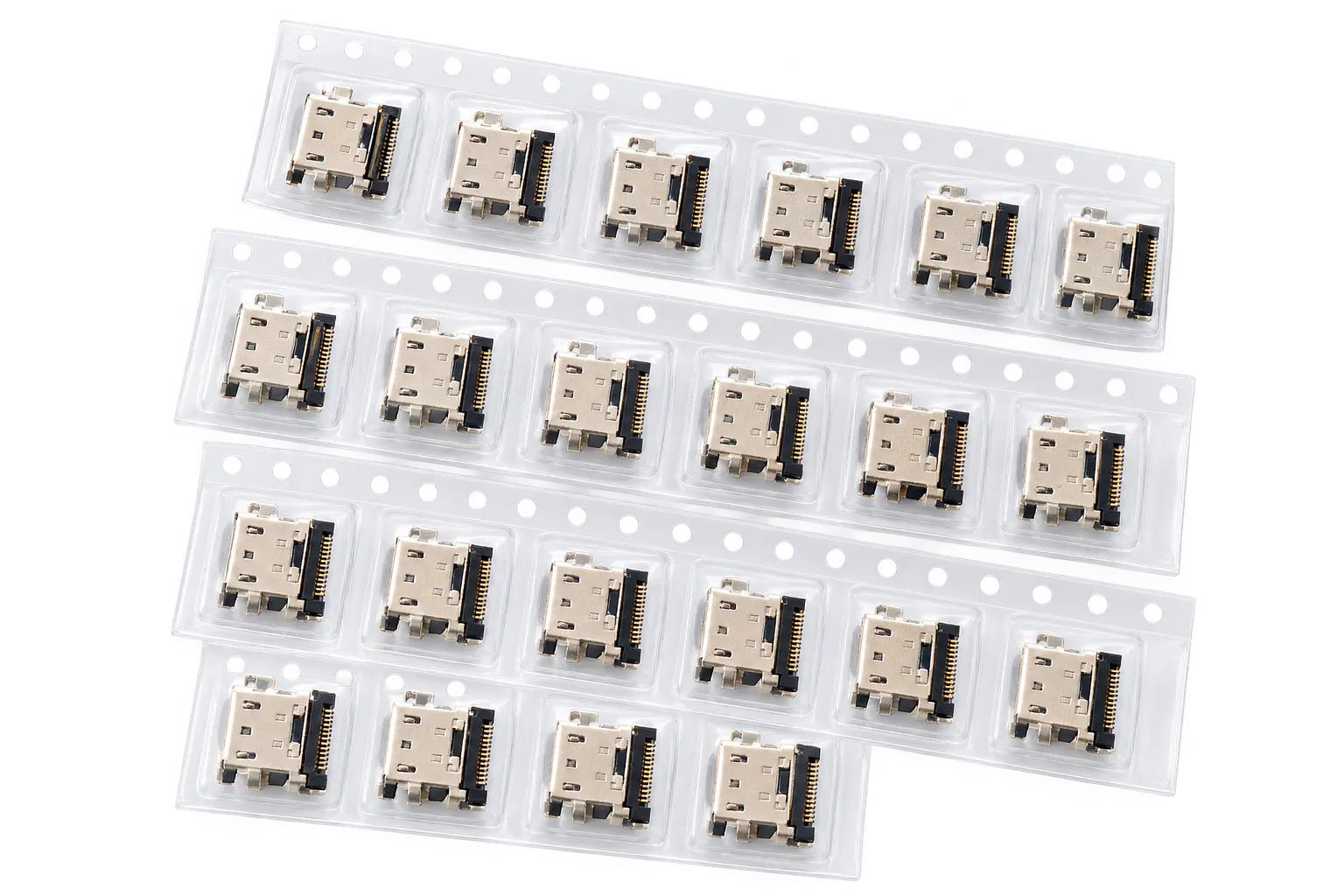
Replacement laptop charging ports in four types: big pin, small pin, USB and USB Type-C. Fit one when the charging port is loose, bent, damaged or no longer charging reliably. Charging ports are specific to the laptop model, and the type depends on the plug your charger uses, so please send us your laptop model (or a photo of the port, the tip of your charger and the sticker under the laptop) on WhatsApp and we will confirm we have the right one before you order. Fitting is available in Nairobi.
Choose Your Part
-
Big Pin

Big Pin Laptop Charging Port
For laptops that take the larger round charger plug with a centre pin. Check the tip of your charger or send us a photo.
KES 1,500
Order on WhatsApp -
Small Pin
Small Pin Laptop Charging Port
For laptops that take the smaller round charger plug with a centre pin. Check the tip of your charger or send us a photo.
KES 1,500
Order on WhatsApp -
USB
USB Laptop Charging Port
For laptops that charge through a USB-style charging port. Send us your laptop model and we will confirm before you order.
KES 1,500
Order on WhatsApp -
Type-C
USB Type-C Laptop Charging Port
For laptops that charge through the slim, oval USB Type-C port. Send us your laptop model and we will confirm before you order.
KES 1,500
Order on WhatsApp
Specifications
Compatible With
- Laptops with a big pin charging port (matched by laptop model, send us yours to confirm)
- Laptops with a small pin charging port (matched by laptop model, send us yours to confirm)
- Laptops with a USB charging port (matched by laptop model, send us yours to confirm)
- Laptops with a USB Type-C charging port (matched by laptop model, send us yours to confirm)
Not sure if this fits your laptop? Confirm your exact model via WhatsApp before you order.
Confirm Fit on WhatsAppCustomers Who Bought This Also Needed
-
In Stock
-
In Stock
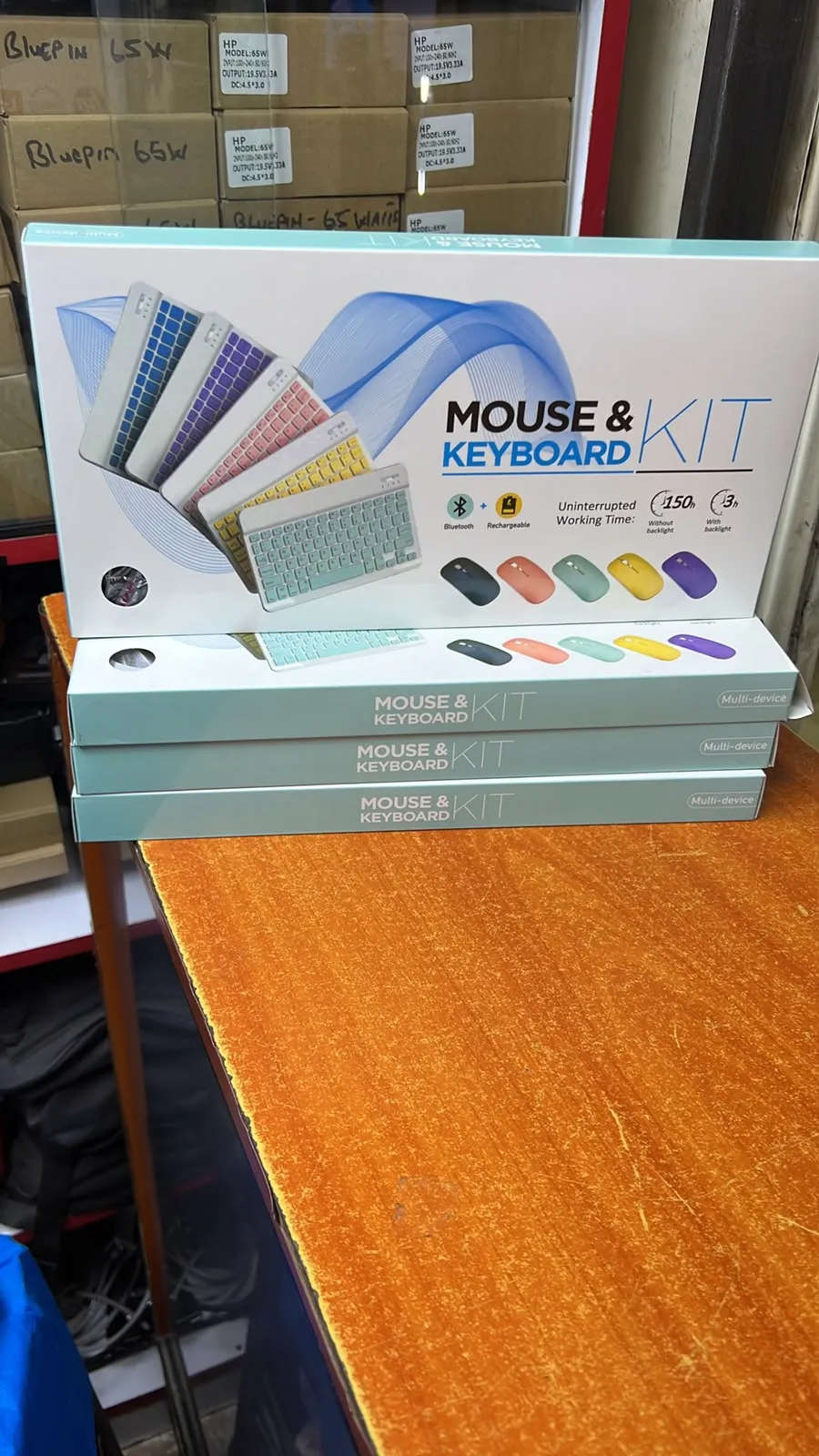
Bluetooth Rechargeable Keyboard + Mouse Combo – Multi-Device
- Bluetooth-enabled computers, laptops and tablets
KES 2,500
Order on WhatsApp -
In Stock
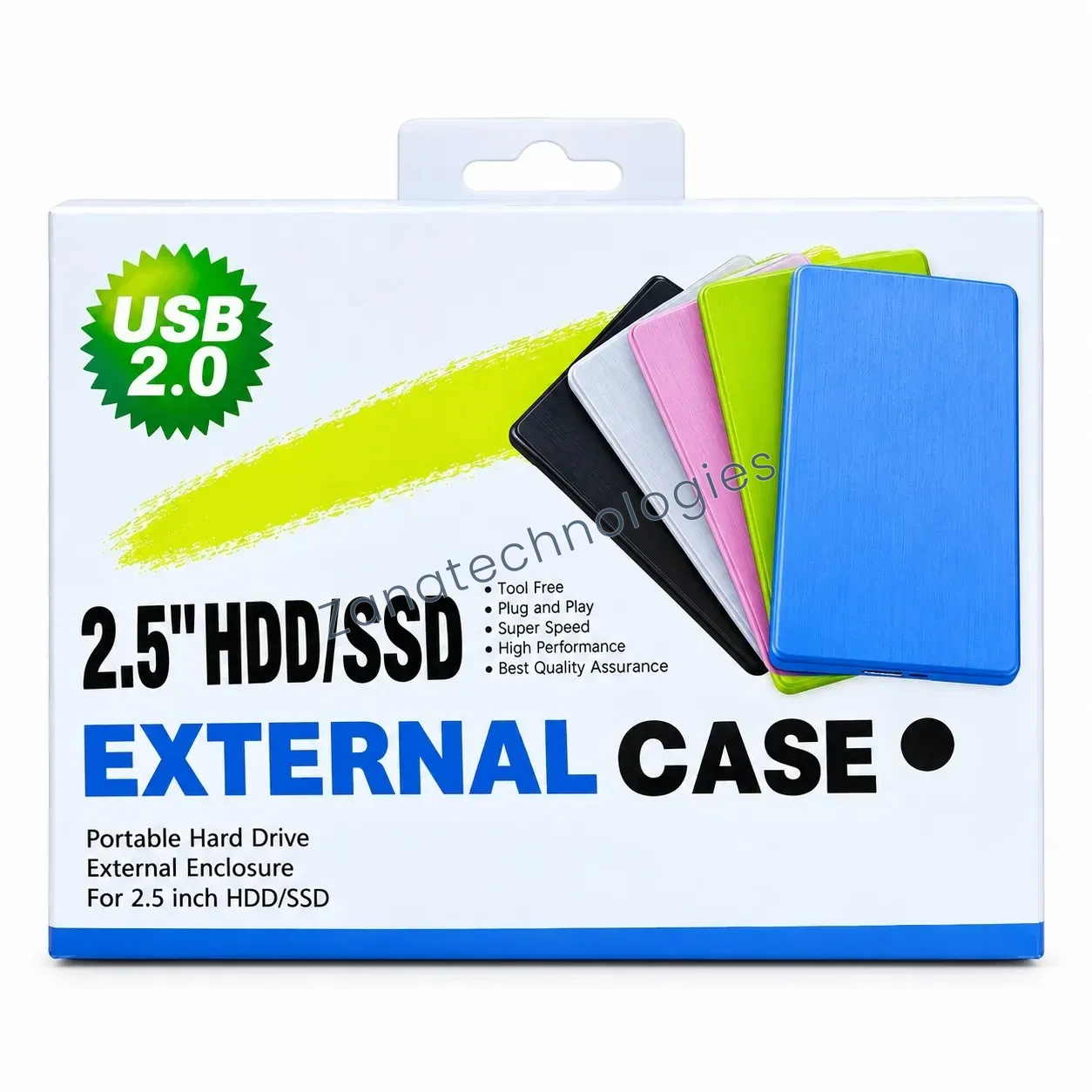
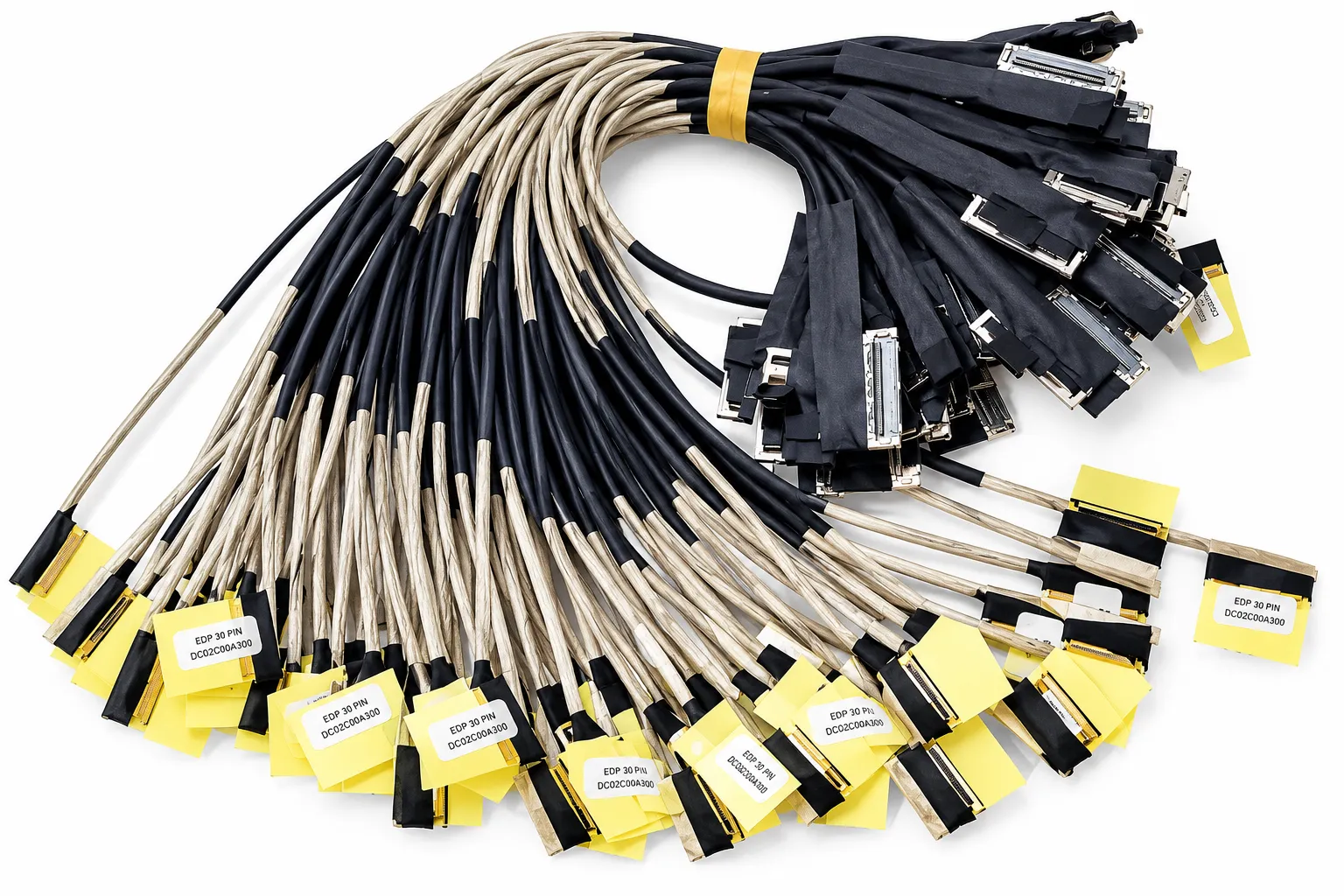
eDP 30 Pin LCD Display Cable
- Laptops that use cable code DC02C00A300 (check the code printed on your existing cable)
KES 1,200
Order on WhatsApp -
In Stock
-
In Stock
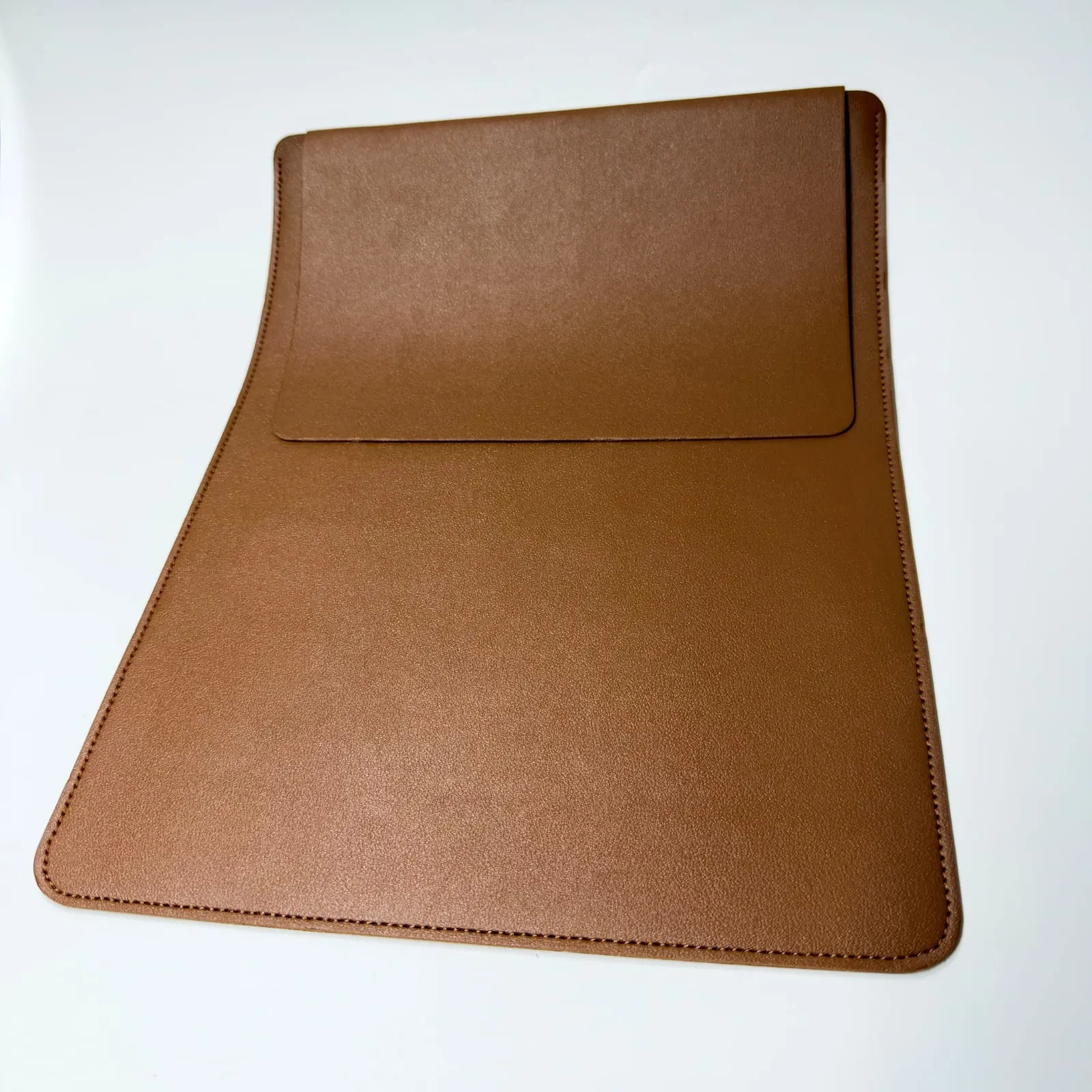
Faux Leather Waterproof Laptop Sleeve (12 / 13 Inch)
- 12 inch and 13 inch laptops — send us your model to confirm fit
KES 2,000
Order on WhatsApp -
In Stock
Charging Port Questions
When do I need a new charging port?
When the laptop only charges if you hold the cable at an angle, the cable feels loose or wobbles, the charging light keeps cutting in and out, or the port is visibly bent or damaged. If the laptop doesn't charge at all, send us the details on WhatsApp first, because the fault can also be the charger, cable or battery.
What is the difference between big pin, small pin, USB and Type-C?
These describe the plug your laptop's charger uses. Big pin and small pin are round charger plugs with a centre pin, and they differ in plug size. USB ports take a USB-style charging connector. Type-C is the slim, oval connector. Look at the tip of your charger, or send us a photo of the tip and the port on WhatsApp, and we'll tell you which one you need.
How do I know which charging port my laptop has?
Look at the end of your charger. A round plug with a pin in the centre means big pin or small pin, depending on the size of the plug. A slim oval plug means Type-C. If you are not sure, send us a photo of the charger tip, the port and the sticker under the laptop on WhatsApp and we'll confirm.
Will this fit my laptop?
Charging ports differ between laptop models in shape, mounting and cable length, so one port does not fit every laptop, even within the same port type. Send us your laptop model, or a photo of the port and the sticker under the laptop, on WhatsApp and we'll confirm before you order.
Can I fit this myself?
The laptop has to be opened to reach the port, and on some models the port is attached to the motherboard, which is a repair job rather than a swap. Most customers have it fitted by us. Tell us your model on WhatsApp and we'll say what the job involves.